
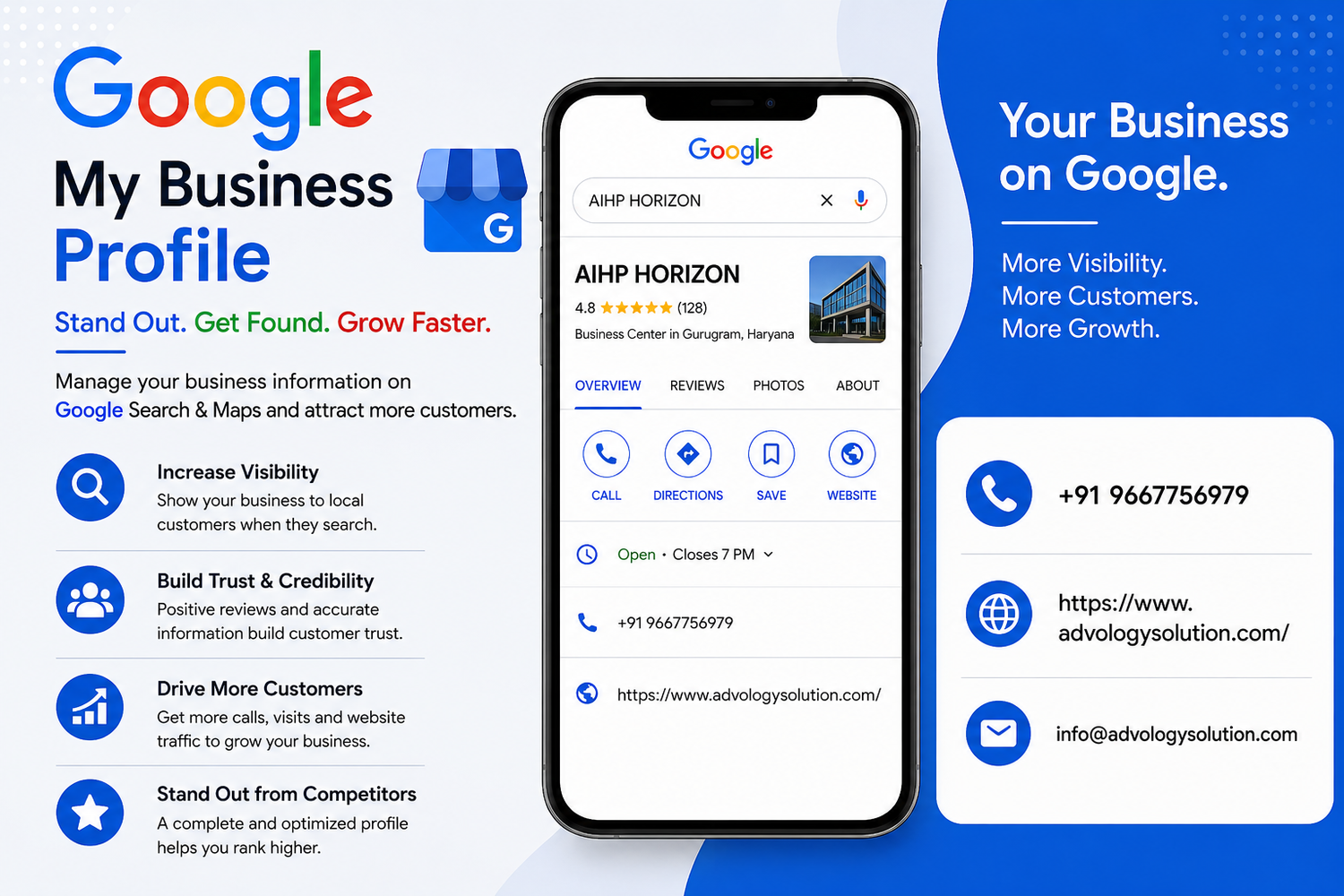
Google My Business Verification is an important step for businesses that want to establish a trusted presence on Google Search and Google Maps. Although Google now officially refers to the platform as Google Business Profile, many business owners and marketers still use the term Google My Business. Verification confirms that an eligible business is genuinely associated with the information shown on its profile and gives the verified owner greater control over business details.
In 2026, the Google My Business Verification process may involve different verification options depending on the business, location, account history, and other factors. Google automatically determines which methods are available, so businesses cannot simply select any preferred method. Understanding the current process can make verification smoother and help prevent unnecessary delays. You can learn more about Google My Business Verification and prepare your profile before starting the process.
What Is Google My Business Verification?
Google My Business Verification is the process of confirming that a business is legitimate and that the person managing the profile is authorized to represent it. After successful verification, the business owner can manage important information such as the business name, address, phone number, website, business hours, services, photos, and other profile details.
Google uses verification to help maintain reliable information across Search and Maps. A verified Business Profile can also provide customers with accurate information when they are looking for a nearby company or service. According to Google's current guidance, businesses generally need to complete verification before they can fully manage their profile information.
Why Verification Matters for Local Businesses
A complete and verified Business Profile can help customers discover a company when searching for relevant products or services. It also gives the business owner an opportunity to keep essential information accurate and up to date.
Verification is particularly important because incorrect business information can create confusion for customers. An accurate profile can display the correct location, operating hours, contact details, website, and other useful information.
Who Can Create a Google Business Profile?
Not every business automatically qualifies for a Google Business Profile. Generally, an eligible business must have in-person contact with customers during its stated hours. This includes businesses with physical locations and certain service-area businesses that travel to customers.
Businesses should review Google's eligibility and ownership requirements before beginning Google My Business Verification. Online-only businesses, certain rental properties, lead-generation businesses, and businesses using inappropriate address information may not qualify.
Storefront Businesses
A storefront business is a company where customers can visit the physical location during the stated business hours. Examples can include retail stores, restaurants, professional offices, salons, clinics, and other eligible businesses with customer-facing locations.
Service-Area Businesses
A service-area business travels to customers rather than serving customers at a traditional storefront. These businesses should provide accurate service-area information and follow Google's requirements when creating and verifying their profiles.
How to Prepare for Google My Business Verification
Preparation can make the verification process easier. Before selecting the verification option available on your profile, review your business information carefully and make sure it accurately represents the business.
Check the business name, address or service area, phone number, website, category, and operating hours. Your information should be consistent with the way your business is represented in the real world.
Google recommends using the real-world business name rather than adding unnecessary keywords, promotional phrases, or additional information to the business name. Keeping information accurate can reduce the possibility of profile-related problems.
Prepare Business Evidence
If video verification or live video verification is offered, prepare evidence that can demonstrate your business location and operations. Depending on the situation, this may include exterior signage, nearby street signs, products, equipment, branded materials, employee-only areas, or other legitimate evidence that you manage the business.
Keep Your Information Consistent
Consistency is important throughout the verification process. Make sure your business name, address, website, and other key details are accurate. Avoid making unnecessary changes while a verification request is being processed, particularly when using a mail-based verification method.
Google My Business Verification Methods in 2026
Google automatically determines which verification methods are available for a particular Business Profile. The available options can differ from one business to another, so one company may see phone verification while another may be offered video verification or another method.
Phone or SMS Verification
Some businesses may be able to verify their profile through a phone call or text message. When this option appears, the business must have access to the phone number displayed by Google for verification.
After requesting verification, the business receives a code by phone or text and enters that code into the appropriate verification field. Interactive voice response systems may not receive the verification code, so access to the appropriate business phone service is important.
Email Verification
Some eligible businesses may receive an email verification option. If available, the business owner can select email verification and follow the instructions delivered to the eligible email address.
Before beginning this method, make sure the business has access to the email account shown during the verification process. Follow the instructions carefully and avoid sharing verification codes with other people.
Video Verification
Video verification has become an important option for many businesses. If Google offers this method, the business may need to record a video demonstrating that the business exists and operates as described.
A video may need to demonstrate the surrounding location, business signage, equipment, products, or other legitimate indicators of business operations. The exact requirements can vary depending on the business.
When preparing a video, focus on clear and relevant evidence. Avoid showing confidential information or unnecessary personal information. The goal is to demonstrate the business location and operations accurately.
Live Video Verification
Some businesses may be offered a live video call. During this process, a representative can help verify the business through a live video session.
The business owner or authorized representative may need to show the business location, signage, equipment, products, or other evidence demonstrating that the business is operating at the stated location. Live video verification may only be available during the business's stated opening hours.
Mail Verification
Mail verification, sometimes referred to as postcard verification, may still be available for certain eligible businesses. If Google provides this option, a verification code is mailed to the business address listed on the profile.
Google advises businesses not to change important profile details while waiting for the verification code because changes can affect the code. Verification codes also have an expiration period, so the code should be entered promptly after it arrives.
Bulk Verification
Businesses managing multiple locations may qualify for bulk verification. Google states that businesses with 10 or more eligible profiles for the same business can request bulk verification under the applicable requirements.
Bulk verification can be useful for organizations with multiple locations because it provides a structured way to manage eligible Business Profiles. Businesses must still ensure that their profiles accurately represent their actual locations and comply with Google's guidelines.
Step-by-Step Google My Business Verification Process
The first step is to sign in to the Google Account associated with the Business Profile. Search for the business name and city on Google or search for “my business” to locate the profile.
If the business does not have a profile, it may need to be added first. If an existing unverified profile belongs to the business, the owner can claim it and proceed with verification.
Once the profile is available, select the verification option provided by Google. Follow the instructions for the specific method displayed on the account.
After completing the verification process, Google may review the information. Google states that verification reviews can take up to five working days in some cases, although certain profiles may be verified more quickly.
Once verification is completed, the business receives confirmation and can continue managing its Business Profile.
Common Google My Business Verification Problems
Some businesses experience delays or unsuccessful verification attempts. These issues can happen when information does not sufficiently demonstrate the business's legitimacy or when Google requires additional confirmation.
Verification Option Is Not Available
If a preferred verification method does not appear, the business generally cannot manually select another method. Google determines the available options automatically based on information associated with the profile.
Video Verification Is Rejected
If a video verification attempt is not accepted, review the instructions provided in the profile and address any identified issues. Make sure future verification evidence clearly demonstrates the business location and operations.
Verification Is Taking Longer
Verification may require additional review. Avoid repeatedly changing business information while verification is pending unless an update is genuinely necessary. If Google requests additional information, provide accurate and relevant details.
Business Information Has Changed
When important business information has recently changed, Google may request additional verification. This can happen when information needs further confirmation. Follow the instructions shown in the Business Profile and complete the requested verification steps.
Tips for Successful Verification in 2026
Start with accurate business information. Use the official business name, correct location or service area, appropriate category, genuine contact information, and an authoritative website.
Keep business details consistent across your website and other legitimate business materials. Avoid adding unnecessary keywords to the business name because Google requires businesses to represent themselves accurately.
If video verification is offered, prepare before recording. Make sure the business location is accessible, signage is visible when applicable, and relevant business equipment or materials can be shown clearly.
Only the business owner or an authorized representative should complete verification. If an agency or marketing professional manages the profile, the business owner should retain appropriate ownership and management access.
How Verification Supports Local Visibility
Verification itself should not be treated as a shortcut to higher local rankings. Instead, it establishes the business's ability to manage its Business Profile and maintain accurate information on Google.
After verification, businesses can focus on improving the quality of their profiles by adding useful descriptions, accurate services, current business hours, relevant photos, and other information that helps customers understand the company.
Businesses should also monitor their profiles regularly. Changes in operating hours, services, contact details, locations, or other important information should be updated when necessary.
Best Practices After Google My Business Verification
Completing verification is only the beginning of effective Business Profile management. Review your profile regularly to ensure that customers receive accurate information.
Add high-quality business photos, maintain correct opening hours, provide useful service information, and monitor customer interactions. Respond to legitimate customer reviews professionally and keep your profile information aligned with your actual business operations.
Businesses with multiple locations should establish a consistent management process so each profile remains accurate. Regular monitoring can also help identify unwanted changes or information that needs correction.
Frequently Asked Questions
What is Google My Business Verification?
Google My Business Verification is the process of confirming that a business and the person managing its Business Profile are legitimate and authorized. Successful verification allows the authorized business owner to manage important profile information.
Can I choose my preferred verification method?
No. Google automatically determines which verification methods are available for a particular Business Profile. The available options can vary according to business type, location, and other factors.
How long does Google My Business Verification take?
Google states that verification review can take up to five working days in some cases. Some profiles may be verified more quickly depending on the verification method and circumstances.
Is video verification available to every business?
No. Video verification is not guaranteed for every business. If it is available for your profile, follow the instructions provided by Google and prepare evidence that demonstrates your business location and operations.
Can businesses with multiple locations use bulk verification?
Eligible businesses with 10 or more locations of the same business may qualify for bulk verification. Additional requirements apply, and Google reviews bulk verification requests before approval.
Conclusion
Google My Business Verification remains an essential part of establishing and managing a business presence on Google in 2026. While the platform is officially known as Google Business Profile, the verification process continues to be commonly searched under the term Google My Business Verification.
The most important approach is to provide accurate business information, follow Google's eligibility requirements, prepare appropriate evidence when required, and use the verification method made available for your specific profile. Since Google automatically determines verification options, businesses should focus on following the instructions displayed in their account rather than expecting a particular method.
Once verification is complete, continue managing the profile responsibly. Accurate information, updated business details, useful content, and consistent profile management can help create a more reliable experience for customers searching for your business on Google Search and Maps.